

Organize invoices, payments, and follow-ups from WhatsApp chats
Turn scattered chat details into organized saved sets.
Invoices, payment confirmations, decisions, addresses, and promised follow-ups often live between unrelated messages. Saved helps keep those parts easy to revisit.
Use Labels as a practical system
Save the relevant messages from each imported customer or project chat. Apply Labels such as Paid, Awaiting payment, Follow up, or Invoice while each saved set stays connected to its source chat.
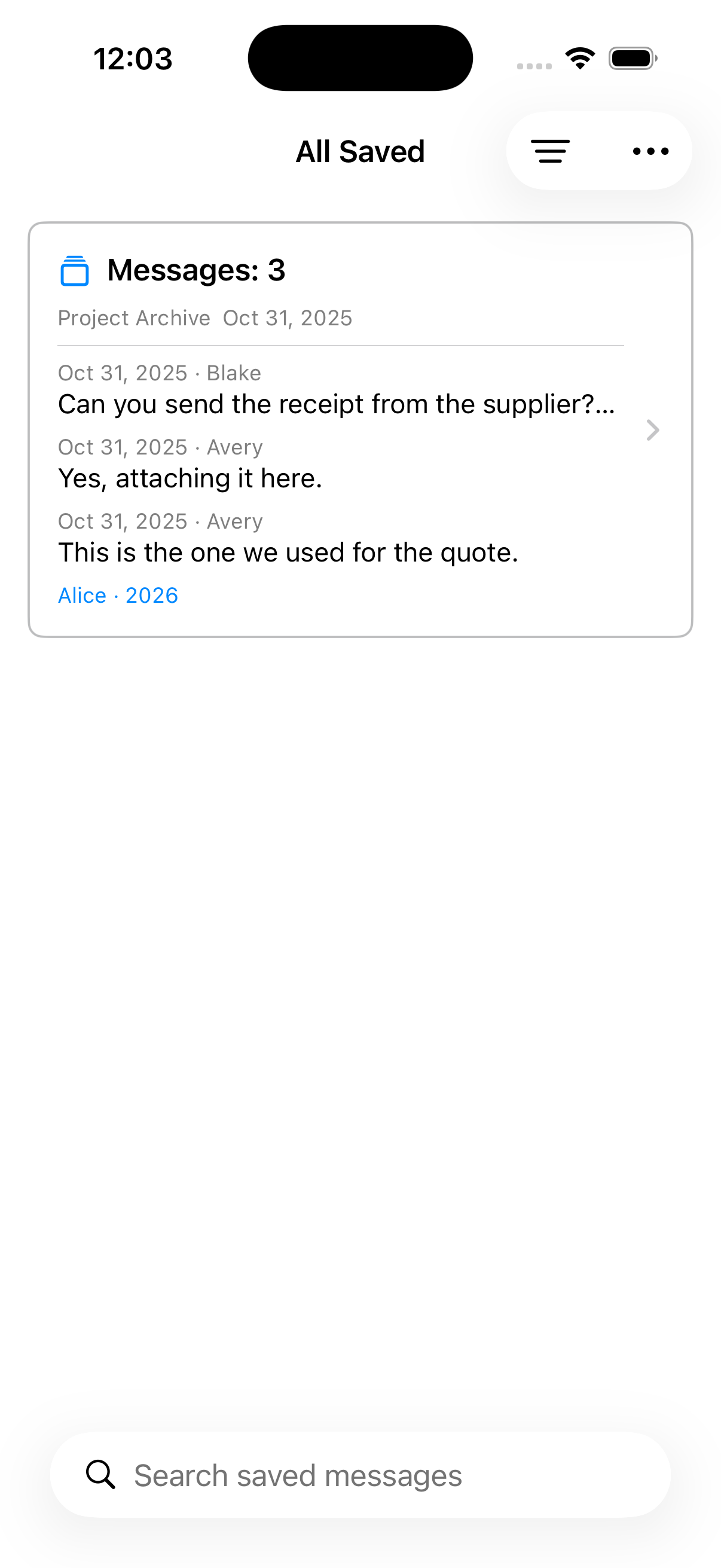
A simple working flow
Collect practical messages from imported WhatsApp conversations, group them with Labels, and return to the original context when you need it.
Save the evidence you need to revisit
Select the invoice, confirmation, agreement, or follow-up messages together with useful surrounding context.
Apply status Labels
One Label can organize saved sets from different chats, so Paid or Follow up can become an app-wide view.
Search or update later
Find text inside Saved, add later messages from the same chat, change Labels, or open the source message.
Useful for reference, not legal certification
Saved sets and PDFs help with review and organization. They do not authenticate a conversation, prove completeness, or create forensic evidence.
Read guides
How to save important WhatsApp messages
Select the messages that matter from an imported WhatsApp chat, organize them with Labels, and find them again without scrolling through the whole conversation.
Turn special WhatsApp conversations into a private memory album
Keep the conversation surrounding family milestones—messages, reactions, photos, and voice notes—and move from one saved moment to the next.
How to export selected WhatsApp messages as PDF
Save a focused set of messages from an imported WhatsApp chat, review the visible gaps, and export that one saved set as a readable PDF.