

Turn special WhatsApp conversations into a private memory album
Save the conversation around the photo.
The day Alice was born is more than one picture. It is the announcement, the first reaction, the photo, the voice note, and everything people said around it.
Build a timeline of meaningful moments
Create one saved set for each milestone, then use one Label—such as Alice—to keep birth, first steps, and first day at school together.
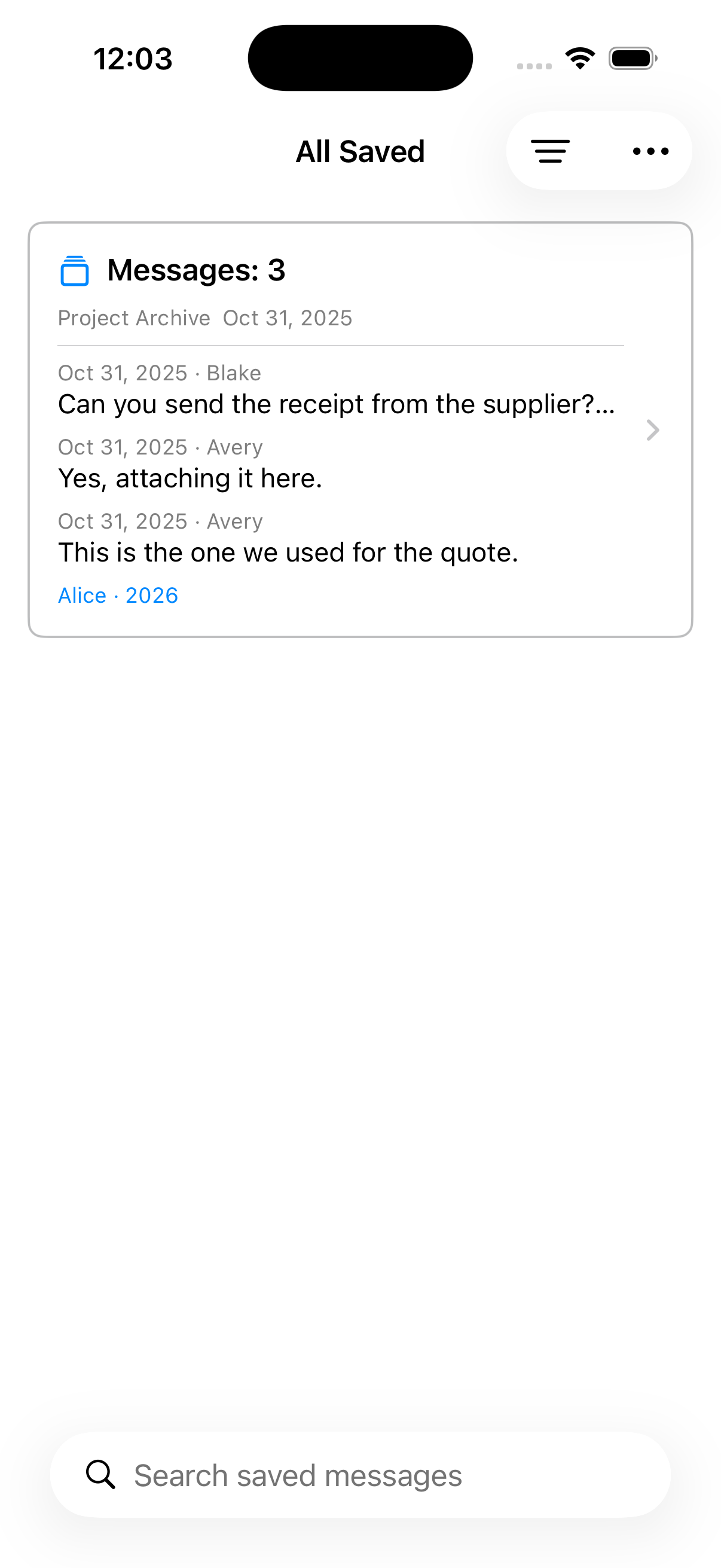
From chat history to memory album
Keep the conversation surrounding family milestones—messages, reactions, photos, and voice notes—and move from one saved moment to the next.
Save the meaningful part
Choose the messages and included media that give the moment its emotional context.
Give the moment a title
Use clear titles such as Alice is born, First steps, or First day at school.
Move between moments
Open the Label in Saved and revisit each set as familiar chat bubbles instead of a plain list of files.
A private archive, not automatic memory detection
You decide what to save and how to label it. Chat Archive does not scan WhatsApp or automatically identify moments, and the saved set remains tied to its imported source chat.
Read guides
How to save important WhatsApp messages
Select the messages that matter from an imported WhatsApp chat, organize them with Labels, and find them again without scrolling through the whole conversation.
Organize invoices, payments, and follow-ups from WhatsApp chats
Collect practical messages from imported WhatsApp conversations, group them with Labels, and return to the original context when you need it.
How to export selected WhatsApp messages as PDF
Save a focused set of messages from an imported WhatsApp chat, review the visible gaps, and export that one saved set as a readable PDF.