01SEARCH
Remember a word? Start there.
Search for “cake”, for example. See the matching messages, with names and dates. Open a result to read what came before and after.
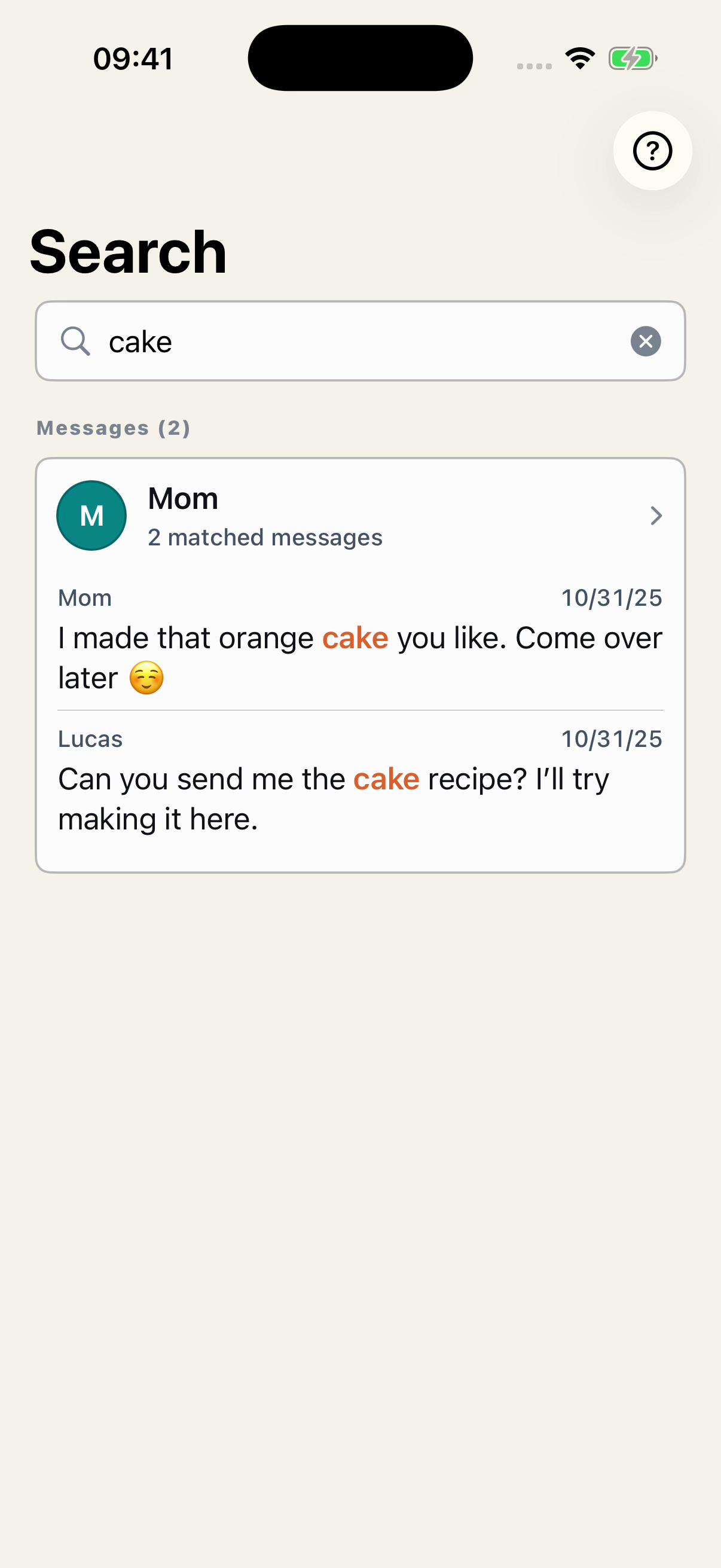
The word is highlighted so you can recognize the passage.
 Chat Archive
YOUR CONVERSATIONS, OUTSIDE WHATSAPP
Read the messages again, find what you agreed on, and save the parts that matter. Chat Archive organizes your exported conversation so you can return to it later.
Start free with your first conversation.
For iPhone · iOS 18 or later
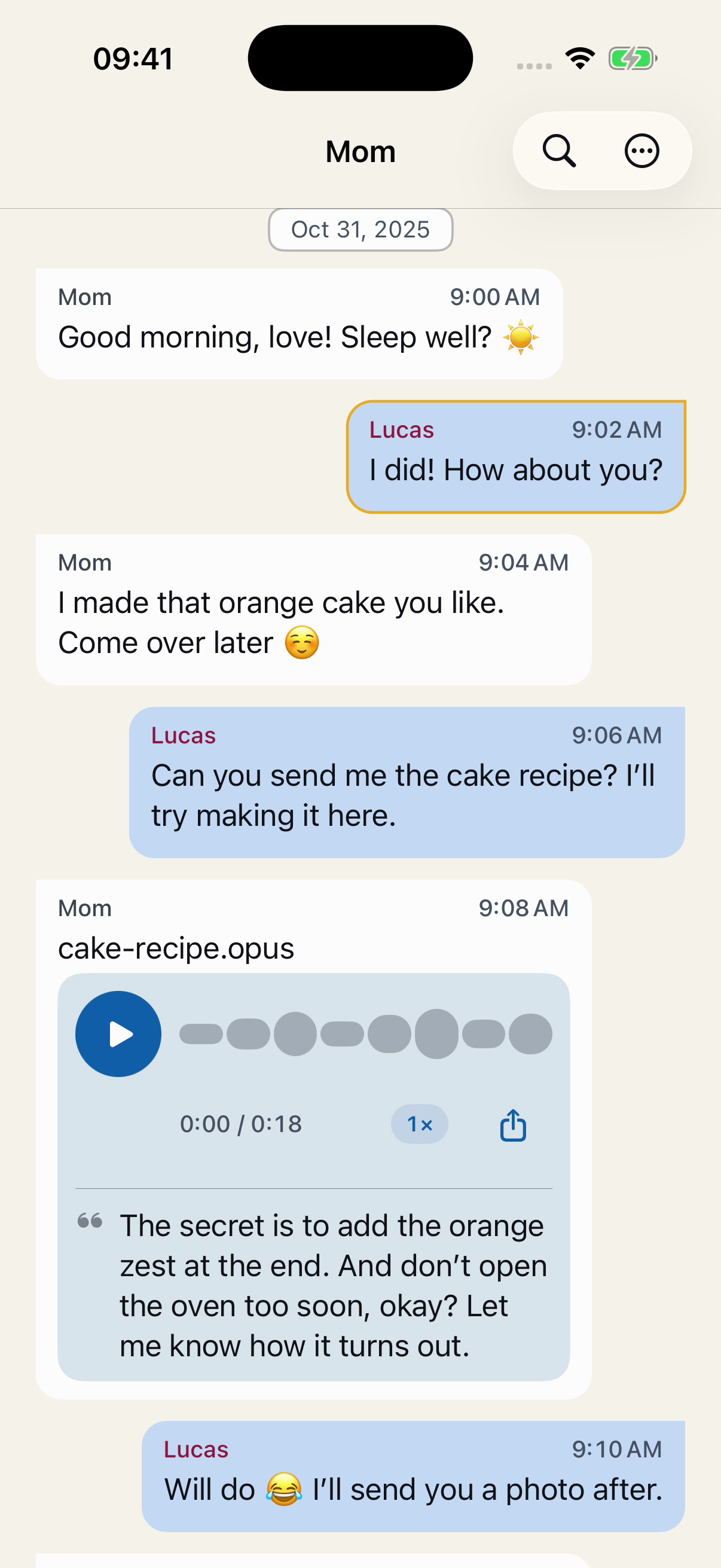
Real app screens with fictional conversations. Reading the full conversation requires Premium.
THE DETAILS MAKE A DIFFERENCE
The recipe in a voice message. The date you planned to meet. The reply that settled the plans. Each has its place in the conversation.
01SEARCH
Search for “cake”, for example. See the matching messages, with names and dates. Open a result to read what came before and after.
The word is highlighted so you can recognize the passage.
02VOICE MESSAGES
Listen to the voice messages included in your export and adjust the playback speed. When your iPhone and language support it, transcribe them to follow along in writing.
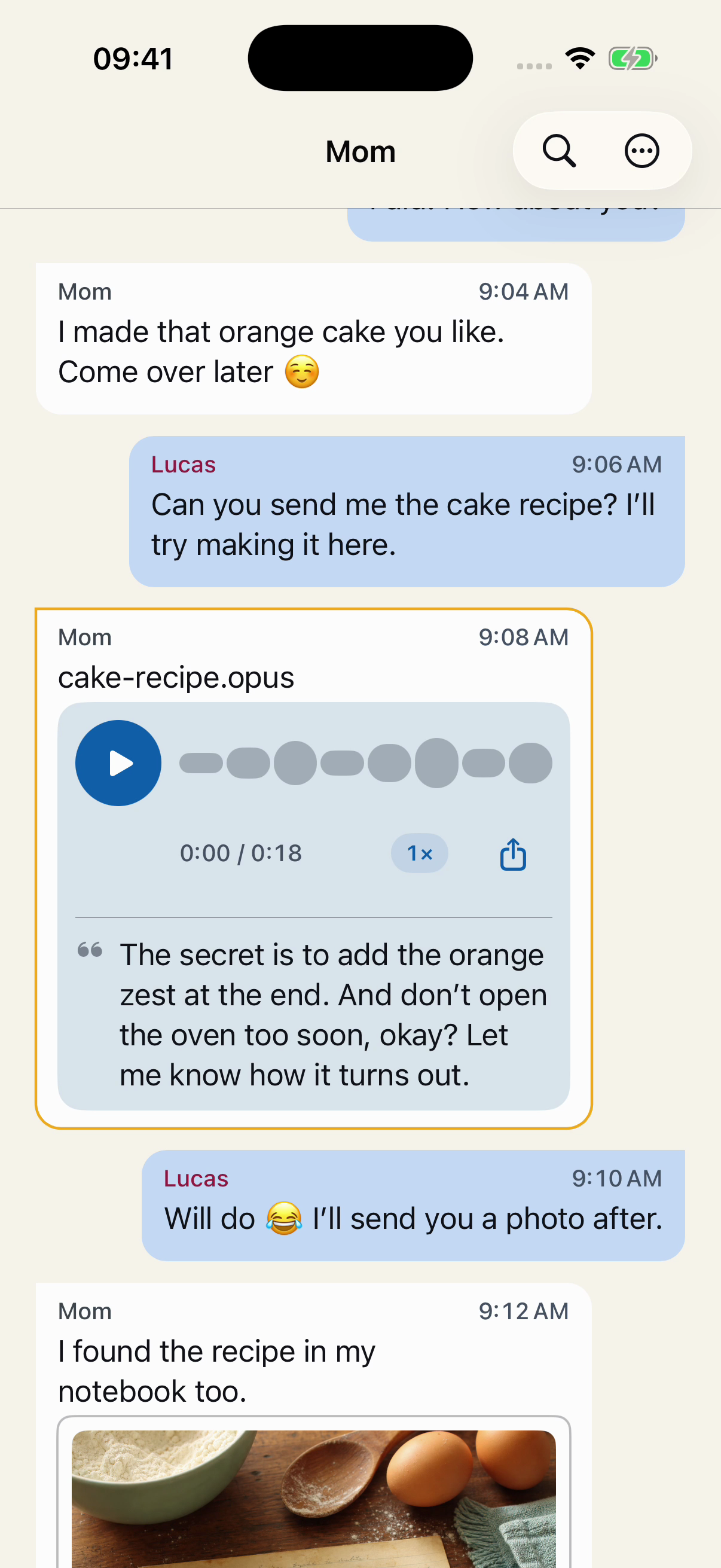
The audio and transcript stay in the context of the conversation.
03SAVED AND LABELS
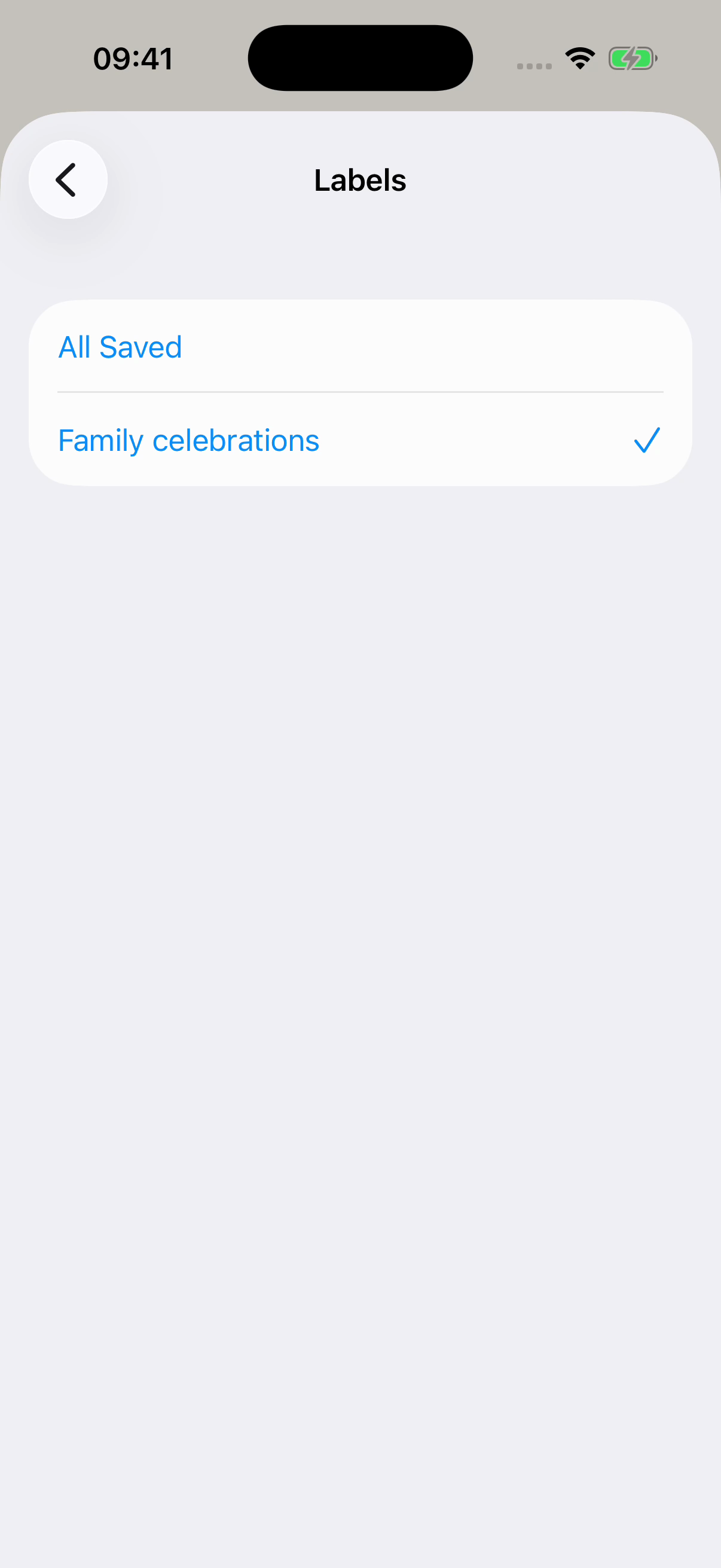
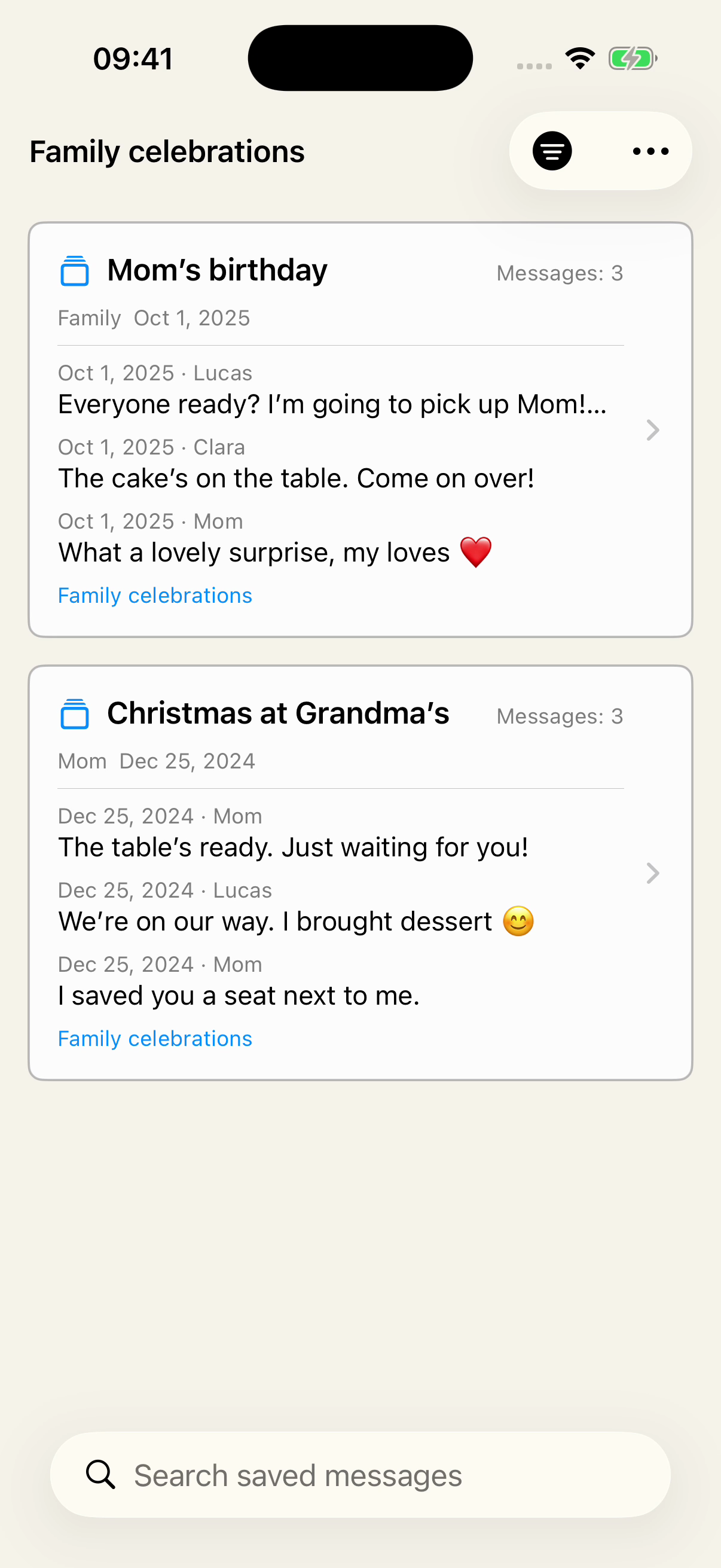
Select messages, save an excerpt, and give it a name. Use Labels to bring together excerpts from different conversations and find them by a shared topic.
Here, “Family celebrations” brings together a birthday and a Christmas. You can also organize project agreements or plans for a trip.
Explore Saved and LabelsKeep their source conversations in the app to continue accessing them in Saved.
01Choose a label
02Find your excerpts again
04PDF
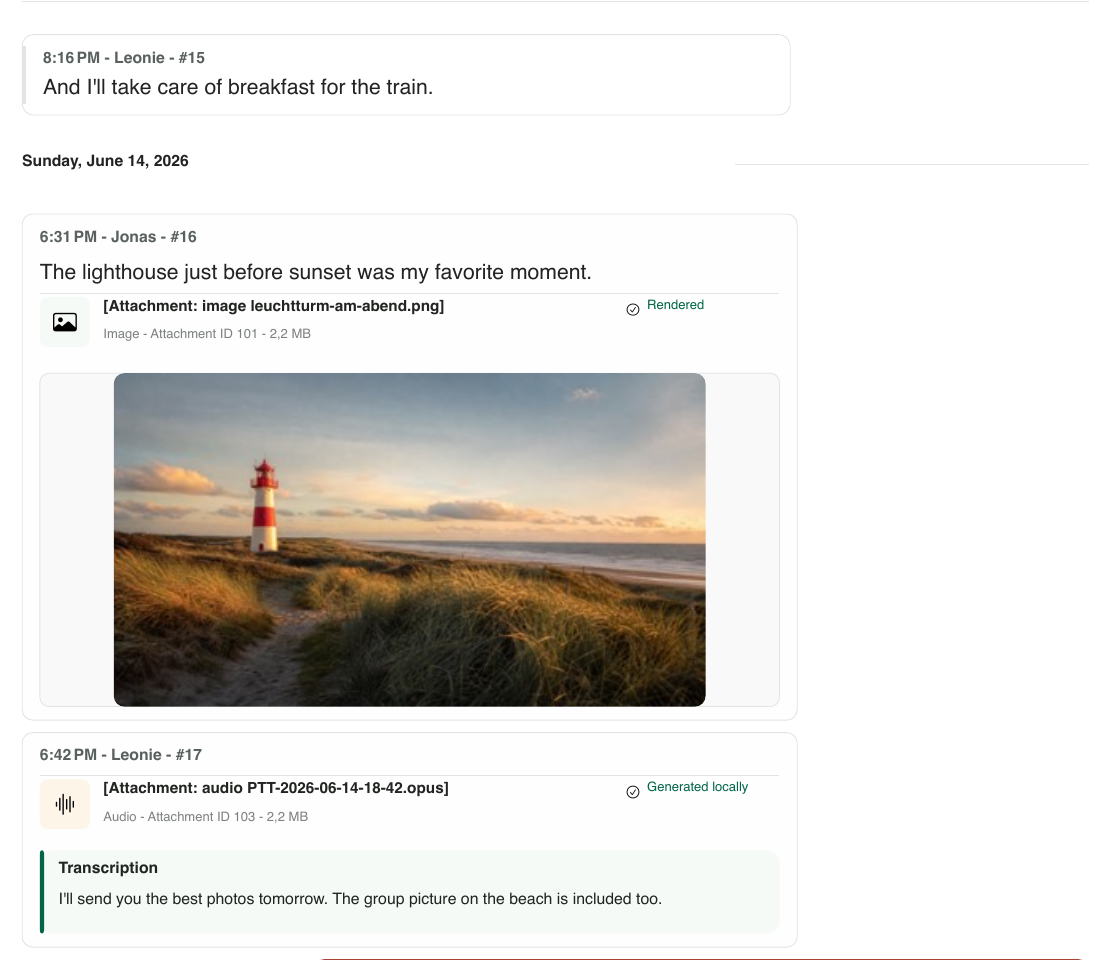
Preview your conversation as a PDF, with messages in order, names, and dates. Available images and transcripts help keep the context.
Check the result in the app before exporting.
See what the PDF looks likeThe preview is free. Exporting the full conversation as a PDF requires Premium; exporting a saved excerpt is free.
WHAT DO YOU WANT TO KEEP?
The words of someone you love, the replies in the group, the messages that are part of the memory too.
Keep the conversations that matterA payment, a recommendation, what you agreed on. Organize the excerpts so you can return to them later.
Organize your recordsA conversation or a selected excerpt, in a PDF you can refer to, send, or print.
Explore PDF exportRECOMMENDED GUIDES
From your first export to checking what’s inside.
Create the file and choose where to keep your copy.
Bring your exported conversation into Chat Archive to read it.
Find out which option does what you need.
Review important messages, dates, and media before relying on the copy.
GET STARTED
You choose what to import. Chat Archive doesn’t access your WhatsApp account.
In WhatsApp, choose Export chat. Include media if you also want the available photos, files, and voice messages.
Share the ZIP file with the app or choose a file you’ve already saved on your iPhone. Review it and confirm the import.
Check the dates, run a search, and open the media that matters. The app organizes the content included in the file.
YOUR ARCHIVE. YOUR IPHONE.
Imported messages are processed locally. You don’t need to connect your WhatsApp account or give access to your ongoing conversations.
Chat Archive is not a cloud storage service. Keep a copy of the exported file in another location too.
Learn how your conversations are handledTRY IT WITH A CONVERSATION OF YOUR OWN
You’ll see purchase options and prices in the app before you decide.
An iPhone with iOS 18 or later and a ZIP file created with WhatsApp’s Export chat option. The conversation can be exported from an iPhone or an Android phone.
No. Exporting creates a separate file and leaves the conversation in WhatsApp. Keep that file outside Chat Archive too.
Not necessarily. WhatsApp may leave out some history or media. Chat Archive can only show the content included in the file. Check the dates, messages, and media that matter to you.
Yes. You can import and try your first conversation for free. Importing more conversations requires Premium. Purchase options are shown in the app.
It can help when an exportable copy still exists, for example with another participant or on an old phone. The person exports that conversation, and you open the file in Chat Archive. The app can’t recover content that no longer exists in any copy, and it doesn’t put the conversation back into WhatsApp.
YOUR FIRST CONVERSATION
Start with a WhatsApp chat export. Import it, check the content, and try Chat Archive on your iPhone.

For iPhone · iOS 18 or later