

Can a new WhatsApp group member see old messages?
Old group messages do not appear for new members.
WhatsApp does not show earlier group messages to someone who joins later. If the group needs to share past context, an existing participant can export the chat and share the ZIP outside WhatsApp.
Direct answer
A new group member cannot read old group messages inside WhatsApp. Chat Archive cannot add those messages to their WhatsApp timeline, but it can help them open an exported copy shared by an existing participant.
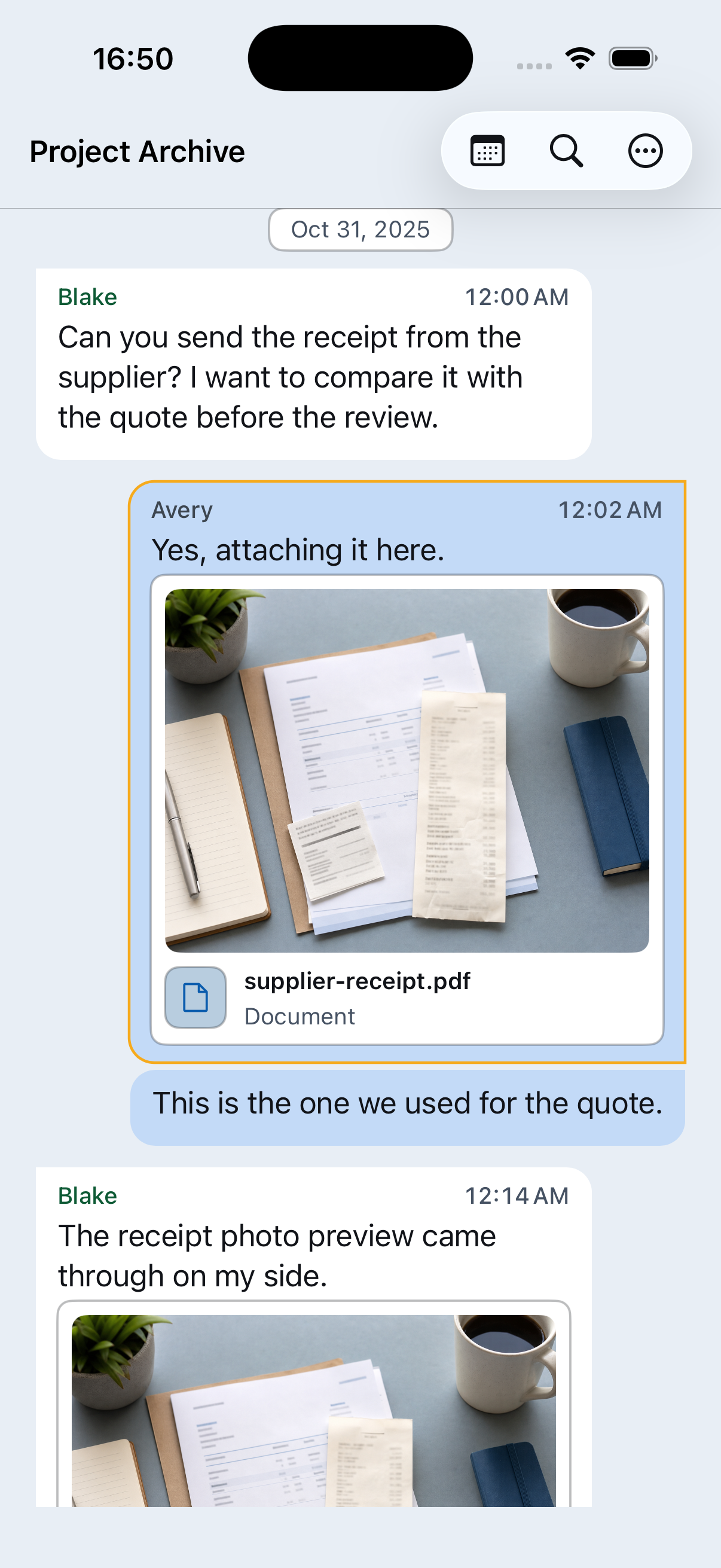
What the export is
A WhatsApp export is a separate copy of the group chat. It may include messages, names, phone numbers, photos, files, and voice messages. Treat it like the original conversation.
Why an export helps
A WhatsApp export creates an external copy of the messages and available media included in that export. In Chat Archive, the recipient can read the exported conversation, search names and dates, review included files, and preview or save a PDF if needed.
Share with consent
Before sharing an export, make sure the people and context make it appropriate.
Confirm the purpose
Use an export for a clear need, such as a project handoff, family history, club archive, community record, or shared planning.
Ask the right people
Get permission from the people whose messages, media, or files may be included.
Export from an existing participant
Only someone who already has the old messages in WhatsApp can export them.
Choose media carefully
Include media only when photos, documents, audio, or voice messages are needed and appropriate to share.
Share the ZIP privately
Send it only to the intended person or group. Avoid forwarding an export casually.
Preserve the group history
Keep the original ZIP, open it in Chat Archive, and check the date range, participants, important messages, and included media before relying on it as your copy.
Where Chat Archive helps
The recipient can open the WhatsApp export ZIP on iPhone, read the group history, search old messages, browse included media and files, listen to voice messages, search available transcripts, and save a PDF.
Good uses
This can help a new project member catch up, preserve family history, hand over a club role, keep a community record, or save shared decisions outside WhatsApp.
What this cannot do
This does not restore old messages into WhatsApp, recover deleted or missing messages, or guarantee that every photo, file, or voice message is included. The archive is only as complete as the WhatsApp export.
Privacy note
An export is not a WhatsApp group invite or a live chat view. It is an external copy and can contain private content. Share it only when you have consent and a clear reason.
Share history without losing context
Where are WhatsApp messages stored?
Chat Archive opens WhatsApp export ZIP files on your iPhone and processes imported chat content on your device.
What gets included in a WhatsApp chat export?
A WhatsApp export includes chat text. If you choose media, it may also include photos, videos, documents, audio, voice messages, and other files.
How to open a WhatsApp chat export ZIP on iPhone
Open a WhatsApp export ZIP on iPhone and turn the raw text file into a readable chat with search, media, voice messages, and PDF preview.
WhatsApp export with media vs without media
Choose a smaller text-only export, or include available photos, videos, files, and voice messages in the ZIP.