

WhatsApp export with media vs without media
With media or without media?
Choose with media when attachments matter. Choose without media when you mainly need text and a smaller file.
Direct answer
Choose with media when photos, videos, documents, audio, voice messages, or attachments matter. Choose without media when you mainly need message text and a smaller file.
What with media means
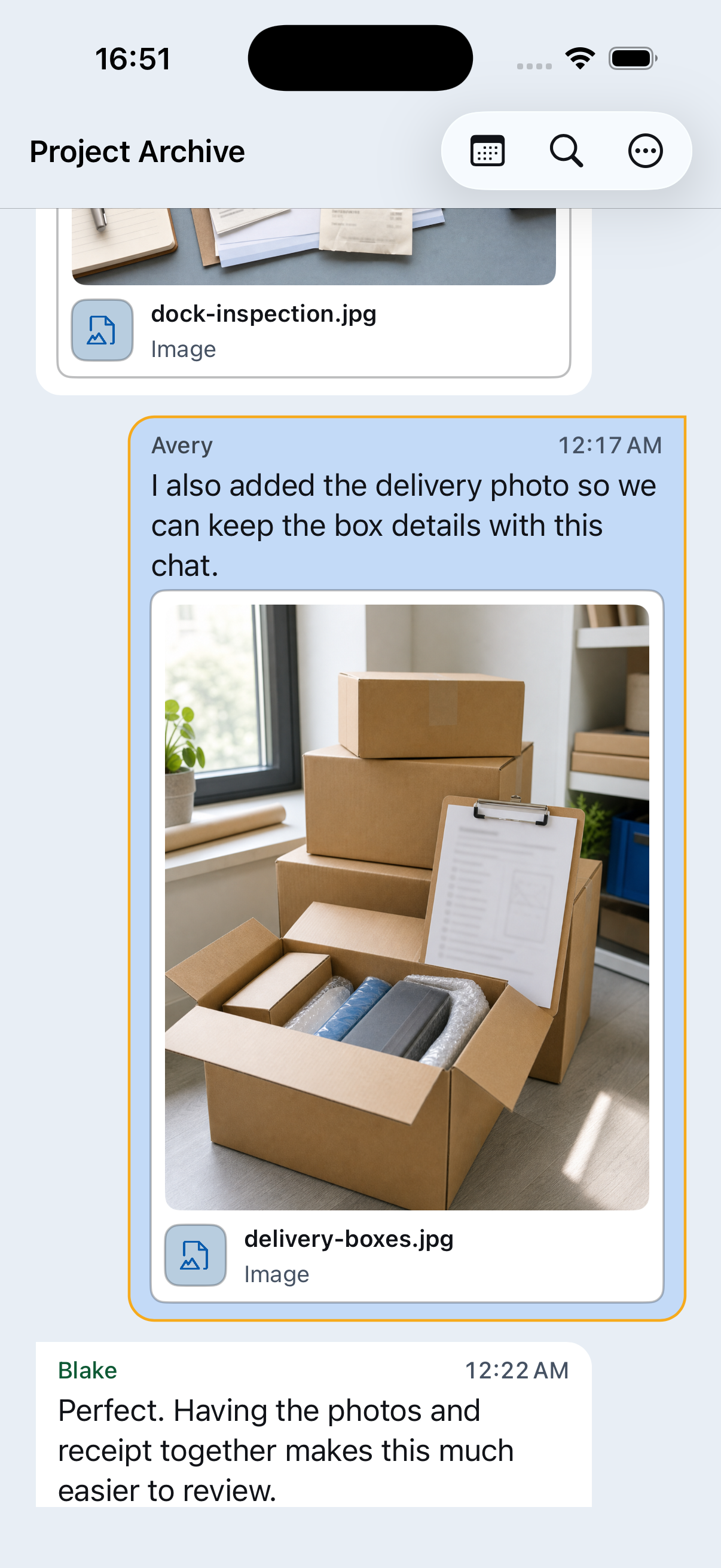
WhatsApp adds available media files to the exported ZIP. Photos, videos, documents, audio, voice messages, stickers, and other attachments can make the ZIP much larger, but they also let Chat Archive show included files beside the conversation and use supported previews in the PDF.
What without media means
Without media is still useful when you mainly need the message text, dates, and sender names. The ZIP is smaller and easier to move, but original photos, videos, documents, audio, and voice messages will not be available in Chat Archive.
Voice messages need media
If voice messages matter, export with media. Chat Archive can play and transcribe voice messages only when the audio files are included in the export.
Choose, then check
Open the export before relying on it.
Decide what matters
Choose text only for a smaller export. Choose with media for a fuller archive.
Start with media when media matters
Export with media if photos, files, or voice messages are important.
Use without media when size matters
If the media export is too large or hard to share, make a second, text-only export.
Save the ZIP somewhere safe
Keep the source export before making decisions.
Open it in Chat Archive
Check the date range, search for known messages, open important photos, videos, and files, and play key voice messages.
Check before deleting
Before clearing WhatsApp storage or deleting the chat, confirm the export contains what you need and keep the source ZIP somewhere safe.
What Chat Archive helps with
After opening the ZIP, you can read the conversation, search messages, browse included media and files, listen to included voice messages, search available transcripts, and preview or save a PDF.
Why photos, voice messages, or files are missing
Chat Archive shows what WhatsApp placed in the ZIP. If something is missing, the chat may have been exported without media, or the file may have been deleted, unavailable, not downloaded, or skipped by WhatsApp during export.
Large exports can vary
WhatsApp controls export behavior. Large or media-heavy chats may take longer, produce bigger files, or run into WhatsApp limits.
Handle media carefully
Media exports can contain sensitive photos, documents, contact details, voice notes, and private files.
After you choose an export
What gets included in a WhatsApp chat export?
A WhatsApp export includes chat text. If you choose media, it may also include photos, videos, documents, audio, voice messages, and other files.
How to open a WhatsApp chat export ZIP on iPhone
Open a WhatsApp export ZIP on iPhone and turn the raw text file into a readable chat with search, media, voice messages, and PDF preview.
Save your WhatsApp conversations as PDF
Turn an exported WhatsApp conversation into an organized PDF, or create a focused document from only the messages you saved.
Free up space in WhatsApp without losing your photos, voice notes, and memories
Preserve important WhatsApp photos, voice messages, and memories in a verified export before removing media and recovering space on your iPhone.